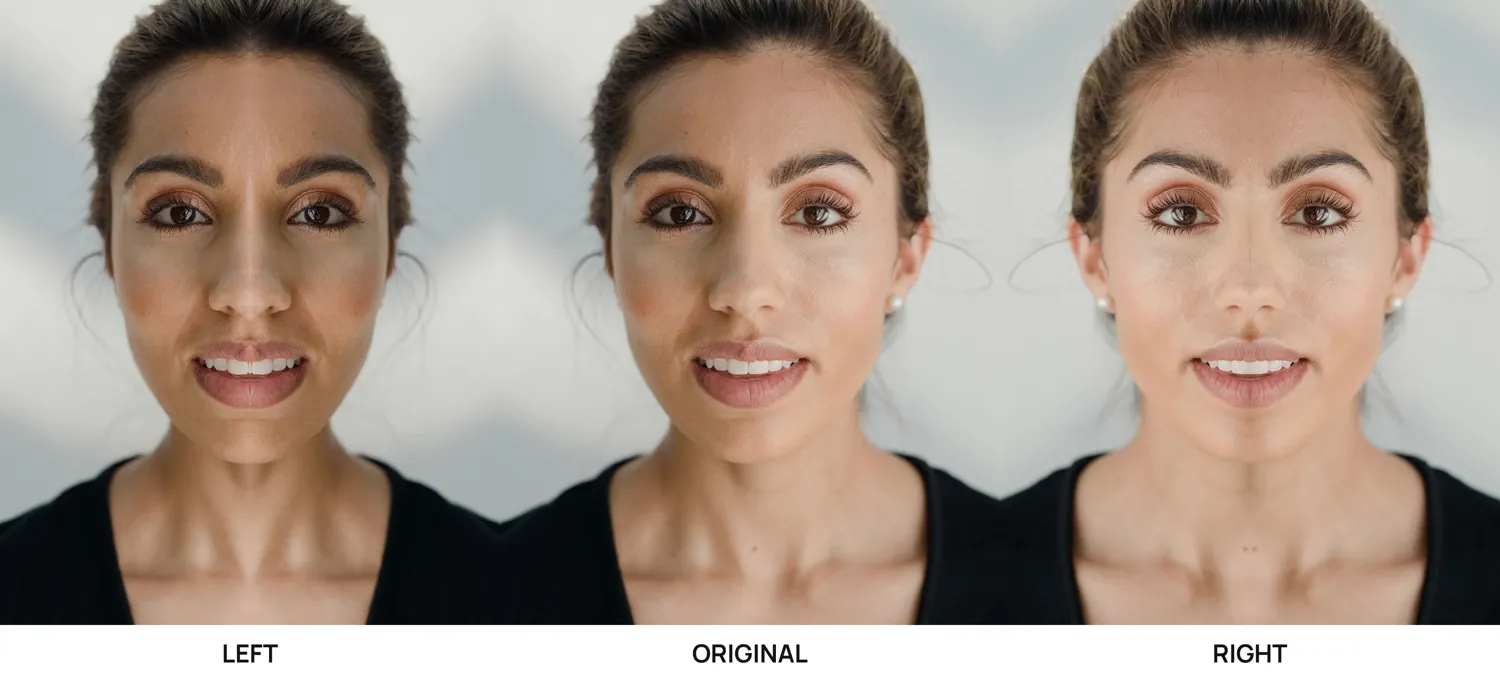
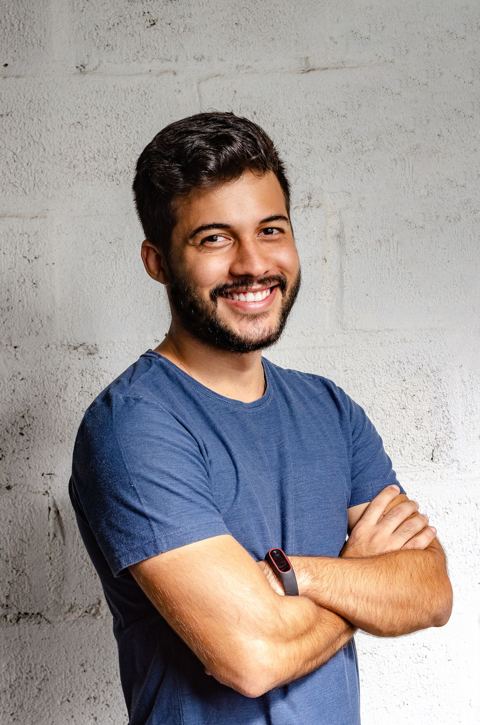
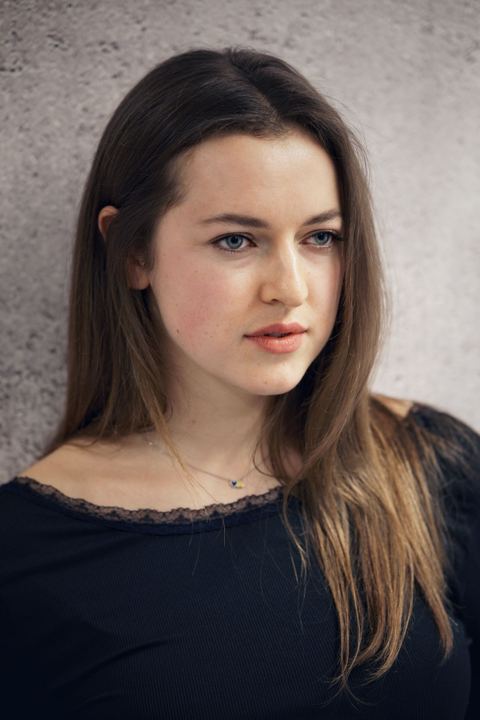
Your photos → Your 3-photo set
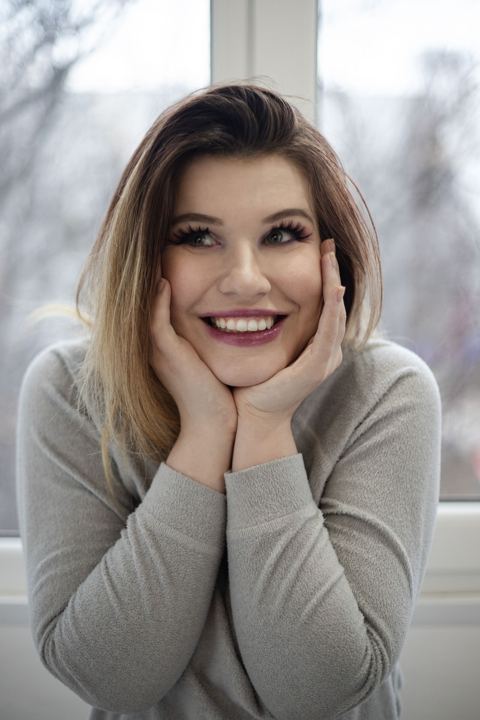
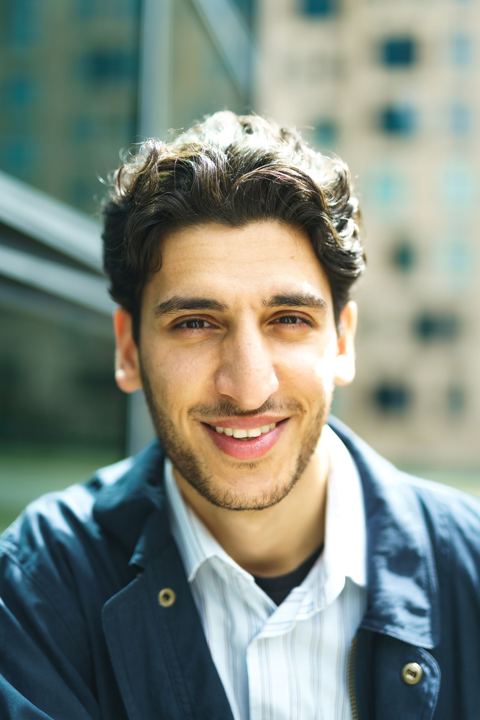
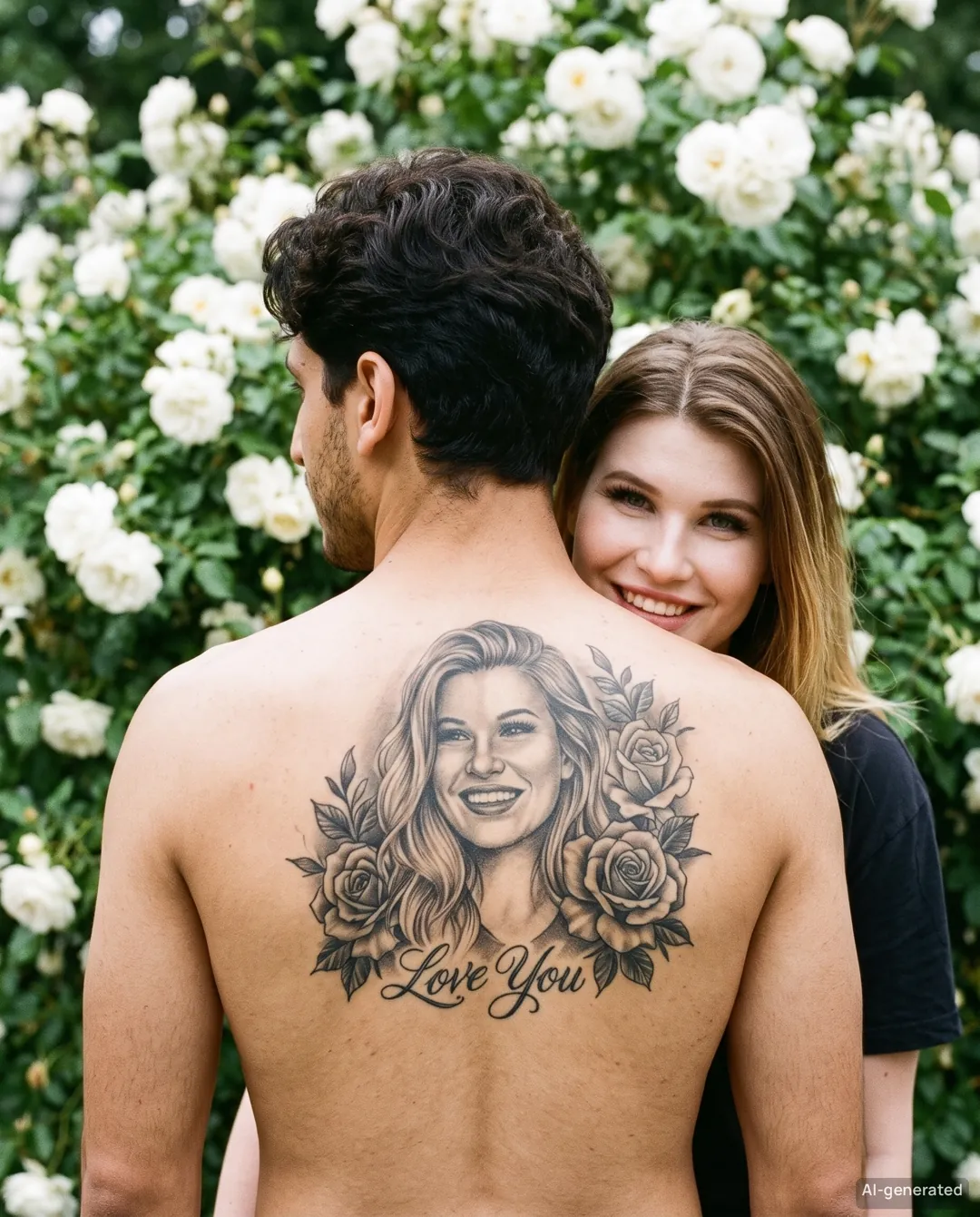
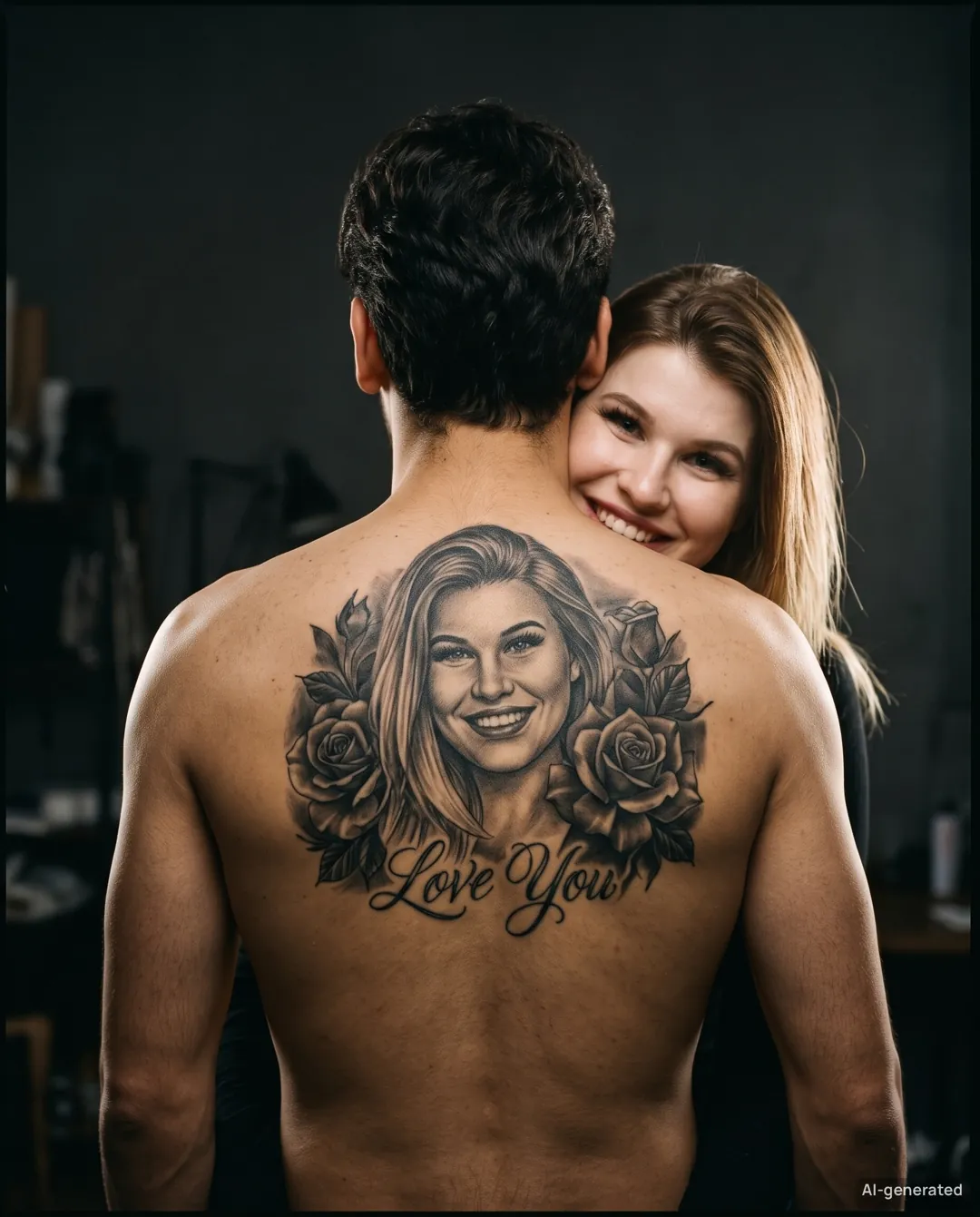
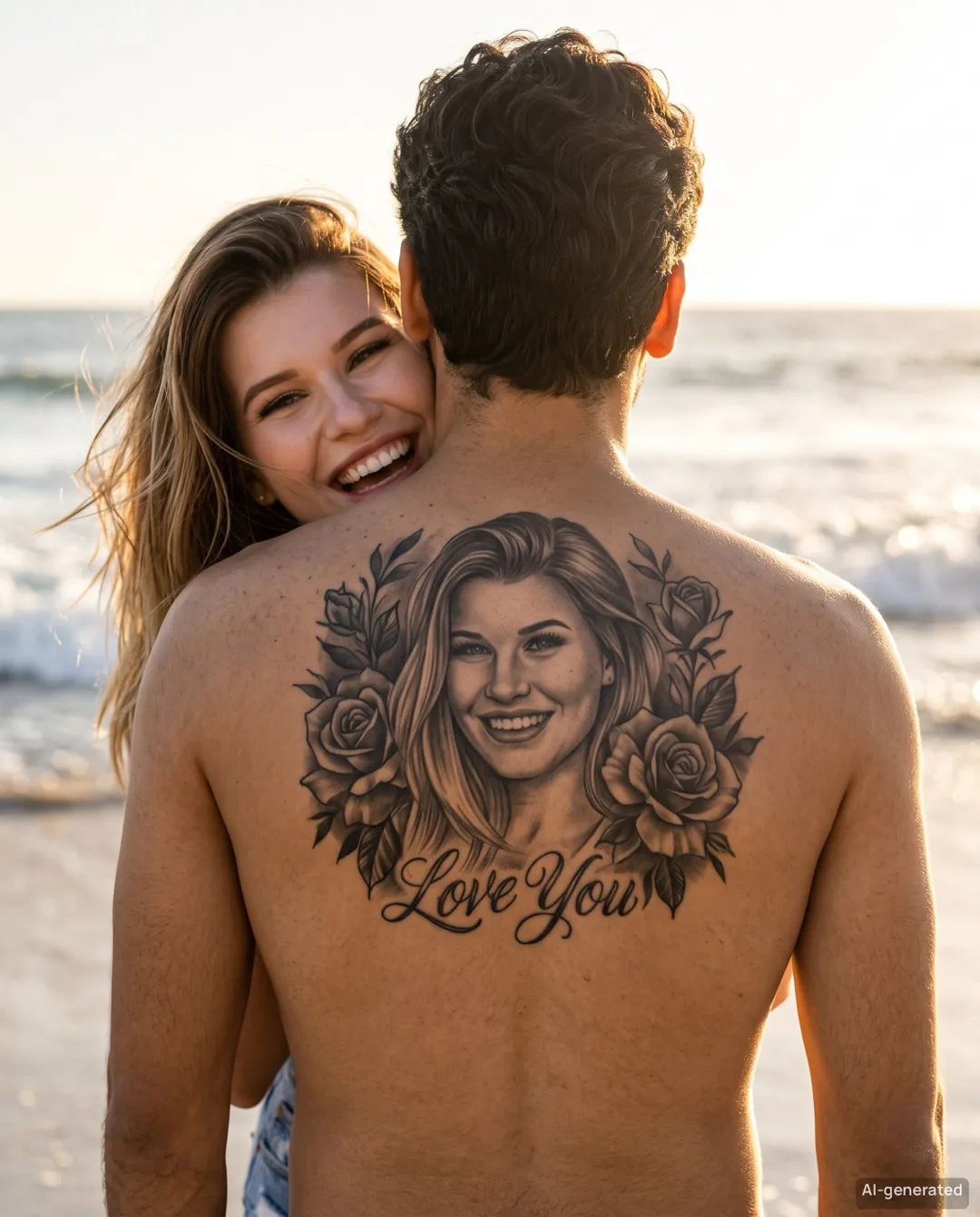

YOUR NEXT “WAIT, IS THAT REAL?”
Viral photo filters in one tap—no CapCut, no prompts.
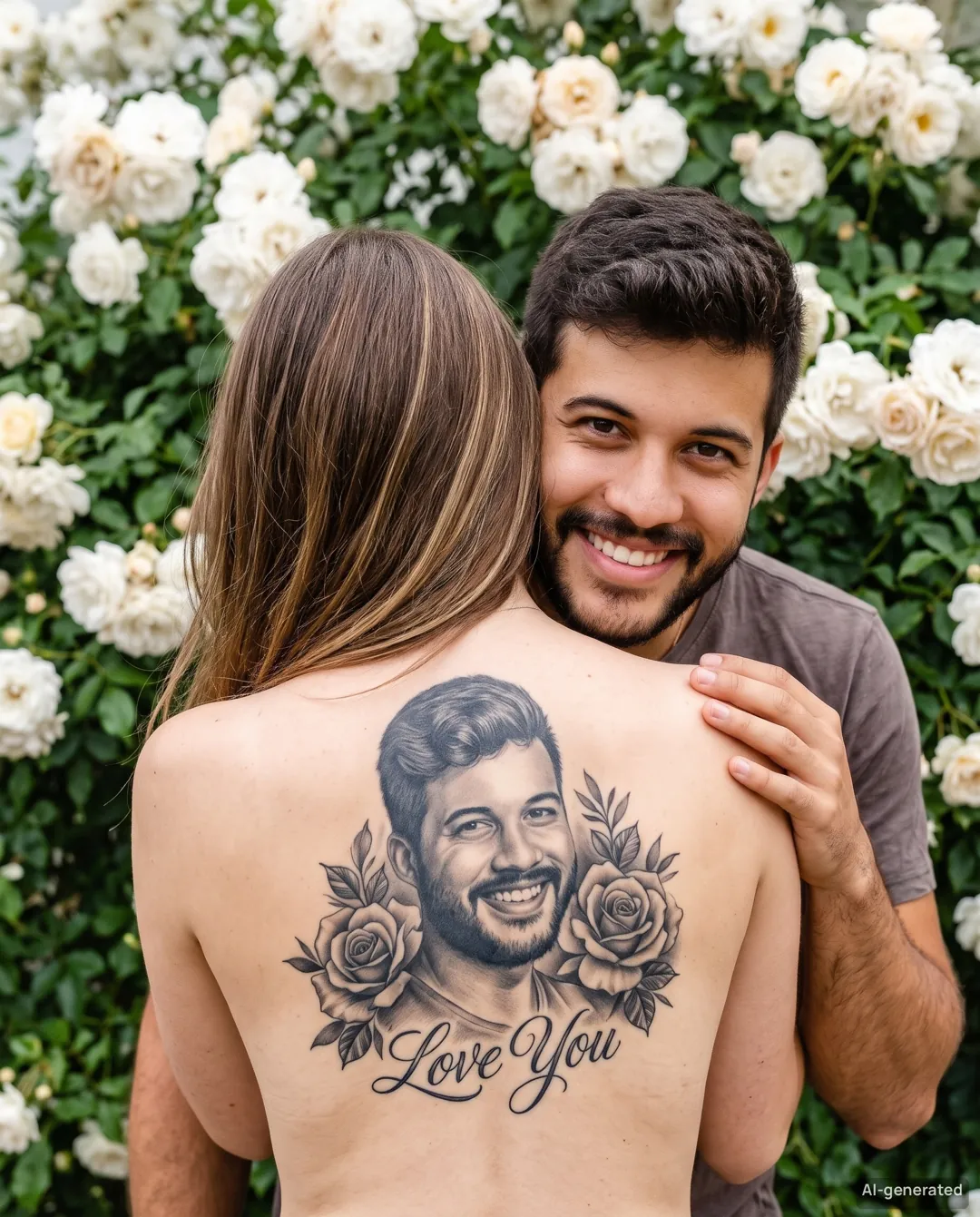
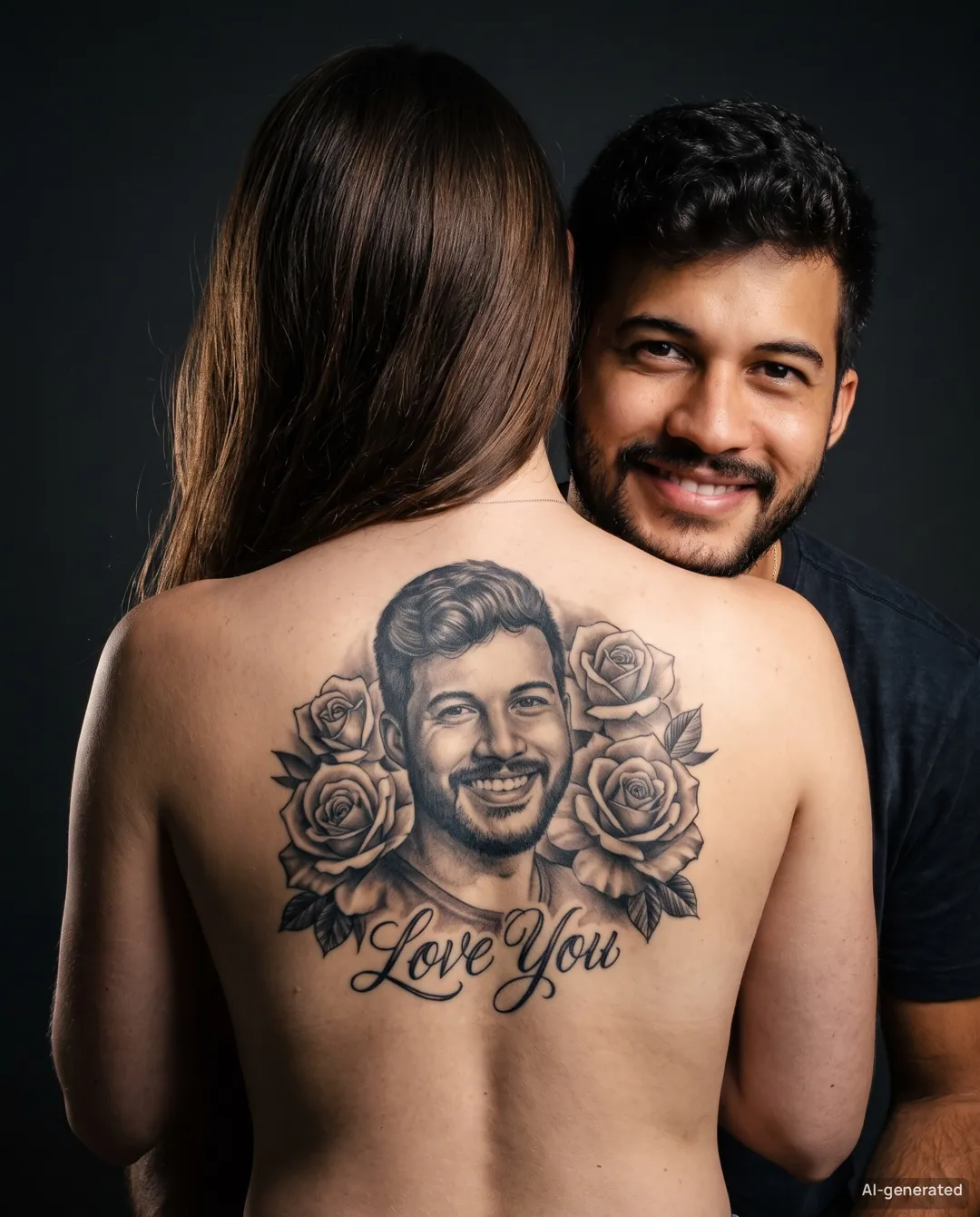
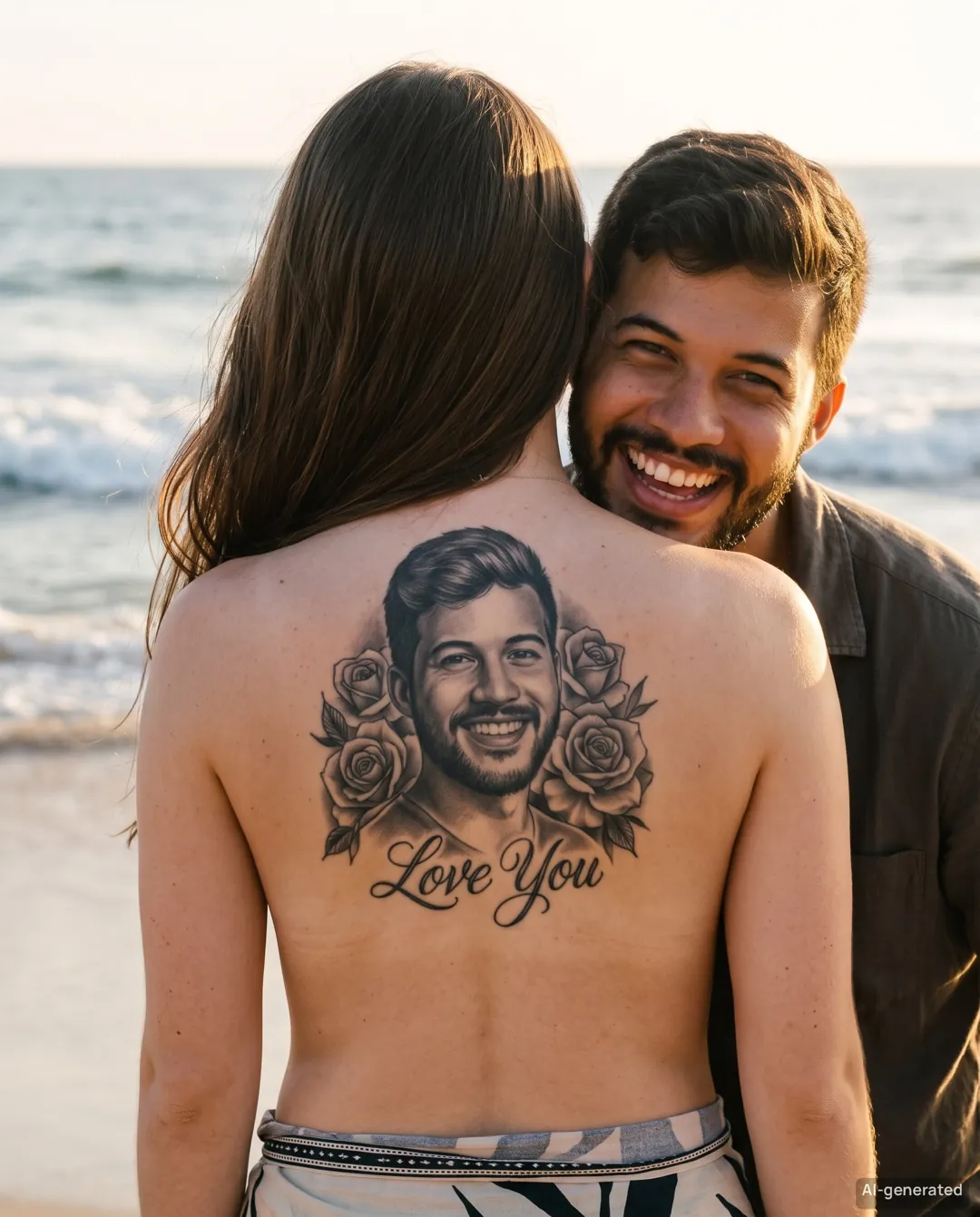
Meet Couple Back Tattoo. Three AI-generated photos, zero needles. This is not a real tattoo.
Try Couple Back Tattoo free →Adults 18+ · Free preview · One-time credits
AITrendFilter is an AI photo filter site: upload a photo, get a free watermarked preview in about 30 seconds, and unlock HD trend photos with one-time credits—Couple Back Tattoo sets cost 30 credits (from $2.99), Symmetry Filter sets 20 credits.
| Outputs | 3 photos per set; carousel-numbered ZIP and captions |
|---|---|
| Format | 4:5 or 9:16; ≥2048px long edge HD + 1080×1350 / 1080×1920 social copies |
| Preview | About 30 seconds, watermarked; 2 other photos locked |
| Price | 30 credits; Starter pack $2.99 |
| Re-make | One photo free within 24 hours |
| Tattoo styles | Black & grey realism / Fine line |
| Lettering | Optional Love You on/off; no names or dates |
| Scenes | White Rose Wall / Dark Studio / Golden Beach |

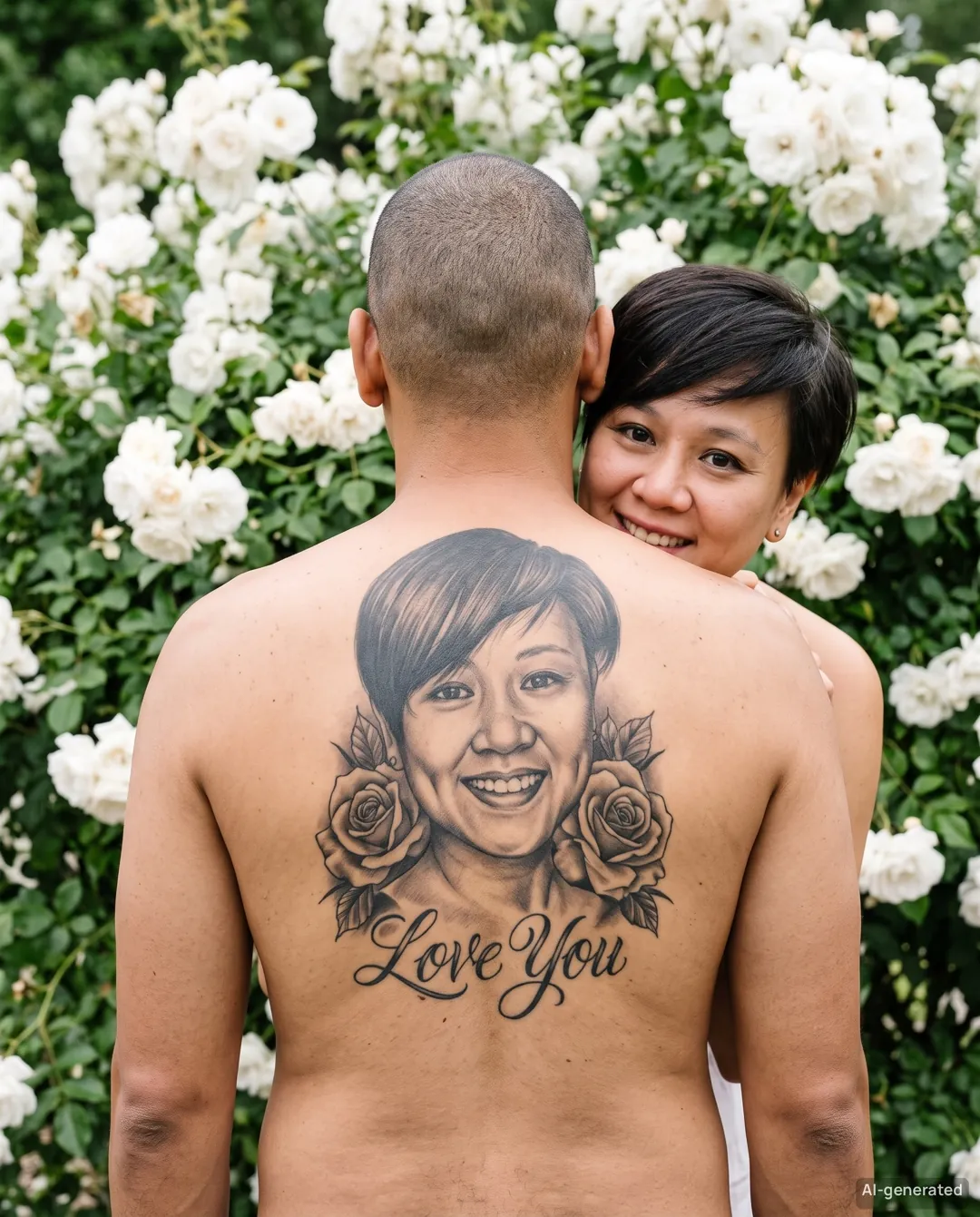
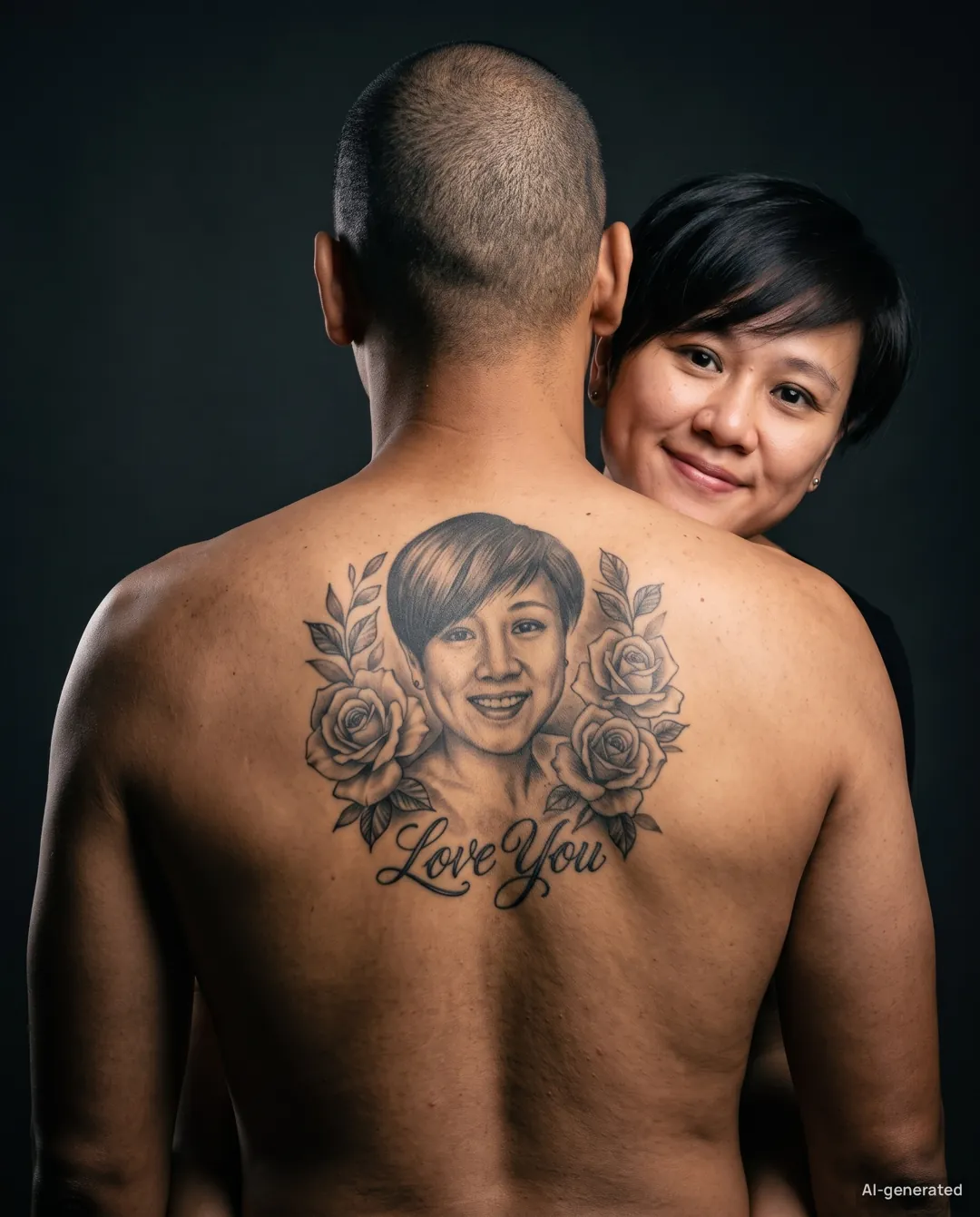
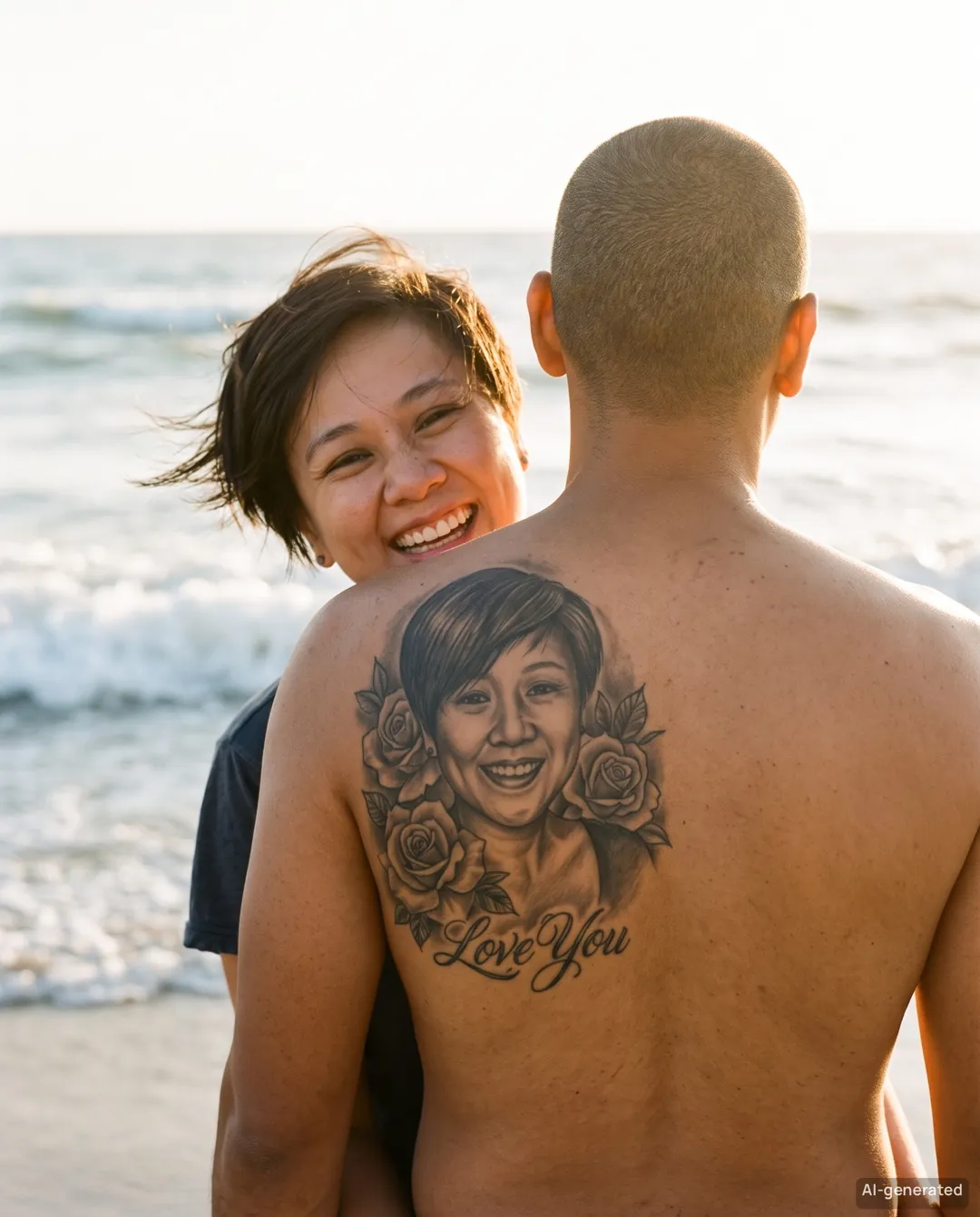
Couple Back Tattoo: 30 credits per set. Symmetry Filter: 20 credits per set, including the 5-second video. Credits never expire. Taxes calculated at checkout by Waffo.
30 credits
80 credits
180 credits
400 credits
It's a TikTok and Instagram photo trend where your face appears as a realistic black-and-grey tattoo on your partner's back while you peek over their shoulder. AITrendFilter makes it from two ordinary photos: you get 3 AI-generated photos in one scene (White Rose Wall, Dark Studio or Golden Beach). These photos are AI-generated. This is not a real tattoo.
Yes. Every filter starts with a free watermarked preview in about 30 seconds, so you can check the result before spending credits. Unlocking an HD set costs 30 credits for Couple Back Tattoo or 20 credits for Symmetry Filter; credit packs start at $2.99 and never expire. Preview limits apply.
Upload one straight-on adult selfie to the Symmetry Filter. It aligns your eyes, mirrors each half of your face, and gives you a Left twin, aligned Original and Right twin as 1080×1350 photos, a comparison strip and a silent 5-second 9:16 switch video. No app install and no editing required.
Uploads are used only to create your photos and are never used to train AI models. Processing partners may briefly retain files for safety and abuse prevention. Sources and previews are deleted after 7 days; delivered sets after 30 days.
Yes, if you own the photo rights and have consent from everyone shown. Keep AI labels and metadata; no deceptive, illegal or impersonating use. No exclusivity is guaranteed.